AIS vs Form 26AS vs TIS 2026: How to Check, Fix Mismatches and Avoid an Income Tax Notice
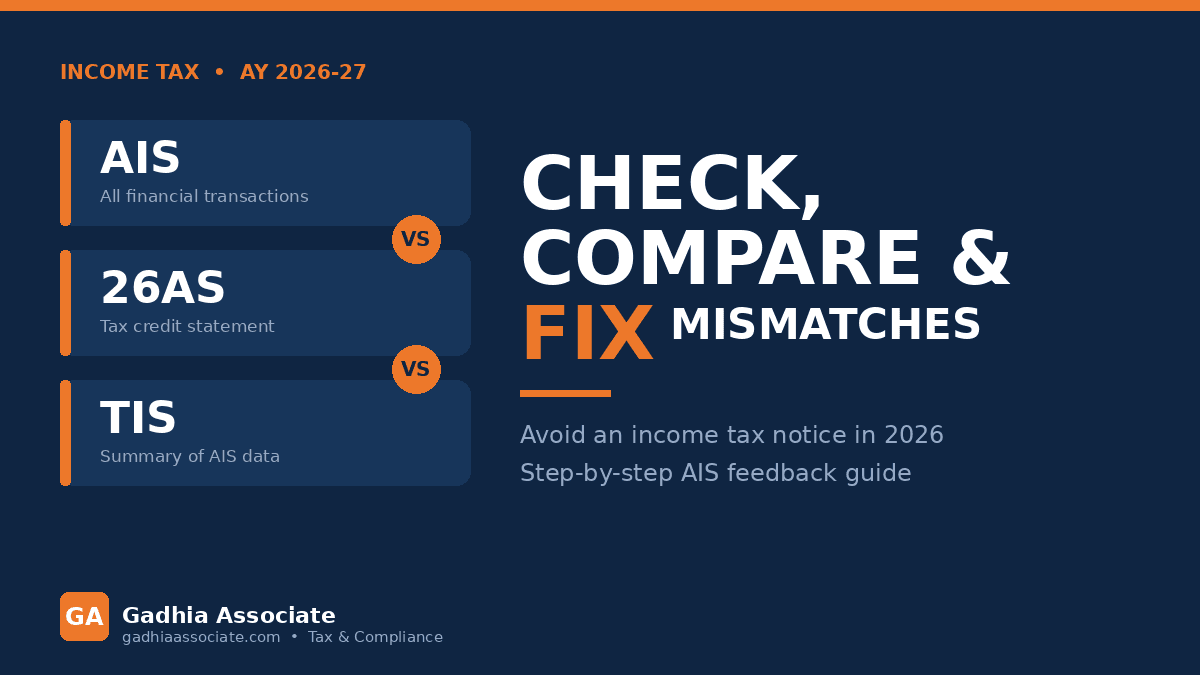
AIS vs Form 26AS vs TIS is the first check every taxpayer should run before filing an income tax return. Form 26AS shows the tax credited against your PAN, the Annual Information Statement (AIS) shows the full range of financial transactions reported to the department, and the Taxpayer Information Summary (TIS) condenses the AIS into category-wise figures used for pre-filling your ITR. If these three do not agree with your books, the mismatch is the single most common reason an income tax notice lands in your inbox.
What is AIS?
AIS stands for Annual Information Statement. It is a consolidated statement available on the income tax e-filing portal that lists financial information reported against your PAN by banks, employers, mutual funds, registrars, depositories and other reporting entities. Typical entries include salary, interest on savings and fixed deposits, dividends, securities and mutual fund transactions, property purchase or sale, GST turnover reported for business taxpayers, and foreign remittances.
The important feature of AIS is that it is interactive. Against each entry you can submit feedback, which Form 26AS does not allow. The department also offers an AIS mobile app for taxpayers, so you can view your statement and submit feedback from a phone rather than only from the desktop portal.
What is the difference between AIS and Form 26AS?
Form 26AS is a tax credit statement. It is narrow and focused: TDS deducted on your income, TCS collected, advance tax and self-assessment tax paid, and refunds issued. If you want to know how much tax has actually been deposited to the government against your PAN, Form 26AS is the reliable source.
AIS is far wider. It captures income and transactions whether or not any tax was deducted. A savings bank interest of a few thousand rupees, a small dividend, a mutual fund redemption or a property registration will all show up in AIS even when no TDS applies. Since the shift of high-value transaction reporting into AIS, Form 26AS has become a tax-credit document while AIS has become the comprehensive one.
TIS sits on top of AIS. It takes the raw AIS entries, removes duplicates, and presents a processed value for each head of income such as salary, interest, dividend or business receipts. That processed value is what flows into your pre-filled ITR. In short: 26AS = tax paid, AIS = what was reported, TIS = the summarised figure used for filing. Check all three; never rely on one alone.
How do I check AIS, 26AS and TIS?
- Log in to the income tax e-filing portal with your PAN and password.
- Go to the AIS section from the services menu and select the correct financial year.
- Download AIS and TIS as PDF or JSON. The PDF password is normally your PAN in lower case followed by your date of birth.
- Download Form 26AS separately from the same portal (routed through the TRACES site).
- Match each figure against your bank statements, salary slips, Form 16, broker statements, and property or GST records.
- List every difference before you begin drafting the return.
What if AIS shows income I never earned?
This happens more often than people expect. A joint bank account may report the full interest against one holder. A PAN entered wrongly by a reporting entity can push someone else's transaction onto your statement. A single mutual fund switch can appear twice. None of this means you owe tax on it, but you cannot ignore it either. The correct step is to submit feedback in AIS marking the entry as incorrect, duplicate, relating to another person, or not taxable, and to keep documentary proof of your position on file.
How do I submit AIS feedback?
Open AIS for the relevant year, expand the information category that contains the wrong entry, locate the transaction, click the feedback option shown against it, and choose the appropriate option from the drop-down. Add the corrected value where the form allows it and submit. The portal records your feedback, shows a modified value alongside the reported value, and the updated figure flows into your TIS. The reporting entity may also be asked to confirm, so allow time; feedback processing is not instant and can take days or weeks.
Can I file ITR if AIS and 26AS do not match?
Yes. You are required to report your actual, correct income, not simply whatever appears in AIS. If your records show the true position, file on that basis, submit AIS feedback for the disputed entries, and preserve your evidence. What you must never do is silently ignore a large entry. If AIS reports interest, capital gains or a property transaction that your return does not explain, the system flags it and a notice or an intimation asking you to reconcile is a realistic outcome.
Business owners should pay particular attention to the GST turnover reflected in AIS. If your reported GST outward supplies do not line up with the turnover in your income tax return, expect questions from both departments. Our GST Calculator is useful for a quick tax working when you are reconciling invoice values, and our Capital Gain Tax Calculator helps you arrive at the correct gain on share, mutual fund and property transactions before comparing it to what AIS has reported.
How long do I have to fix a mismatch?
Practically speaking, fix it before you file. Submitting AIS feedback early gives the reporting entity time to respond and gives you a clean record if the return is later questioned. If you have already filed and then discover a mismatch, you still have the revised or updated return route available within the timelines allowed under the Income Tax Act. Do not wait for a notice to arrive before acting.
What triggers an income tax notice from an AIS mismatch?
- High-value transactions in AIS that are absent from the return, such as property purchases or large cash deposits.
- Interest or dividend income reported by banks and companies but not offered to tax.
- Sale of shares or mutual funds where capital gains are not disclosed.
- TDS claimed in the return that is not visible in Form 26AS.
- A gap between GST turnover and income tax turnover for a business.
Practical rules for a clean filing
Download AIS, TIS and 26AS on the same day so you compare consistent versions. Never accept the pre-filled ITR without verification; pre-filled data comes from TIS and inherits any error in AIS. Claim TDS only to the extent it appears in Form 26AS, otherwise the credit will be disallowed at processing. Keep a small reconciliation sheet for each year listing every AIS entry and how it is treated in the return. Across Junagadh and the rest of Gujarat, most notices we handle for salaried clients and small businesses trace back to exactly this kind of unreconciled entry rather than to any aggressive tax position.
How Gadhia Associate Can Help
Gadhia Associate, based in Junagadh, Gujarat, reconciles AIS, TIS and Form 26AS for salaried taxpayers, professionals and businesses across India, submits AIS feedback on your behalf, files accurate returns, and drafts replies where a notice has already been issued. See our Income Tax Services page for return filing and notice reply support, and our GST Services page if your reconciliation also involves GST turnover. Book a free consultation and send us your AIS and 26AS; we will tell you exactly where the mismatch is and what to do about it.
Position stated as of August 2026. Income tax and reporting rules change through CBDT and CBIC notifications, circulars and portal updates. Please confirm the current position or consult us before acting on this article.